
Skip to content
Vyntez Society
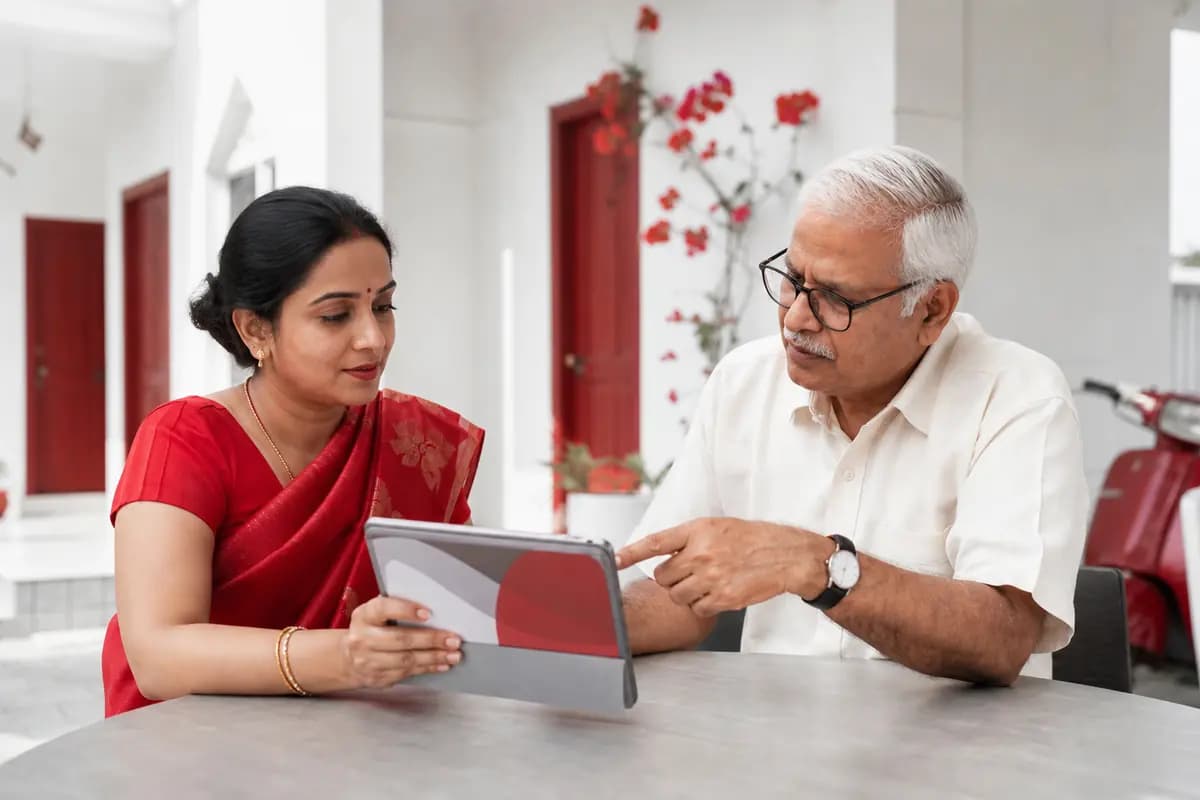
A family of four smiling at the red front door of their apartment
Illustration: a join request for flat B-703 approved by the owner, and the household list.

Join request · B-703

Riya Sharma wants to join as Family

Daughter · asked 2 minutes ago

DeclineApprove
  • AAsha SharmaOwner · 100%
  • DDev SharmaFamily · Son

1 car · 1 dog · children need no account

Households & join requests Live

Residents onboard themselves with one society code.

  • Owners with share %, tenants and non-resident owners
  • Family, including children without accounts
  • Vehicles and pets per flat
  • The committee approves owners and tenants; households approve their own family
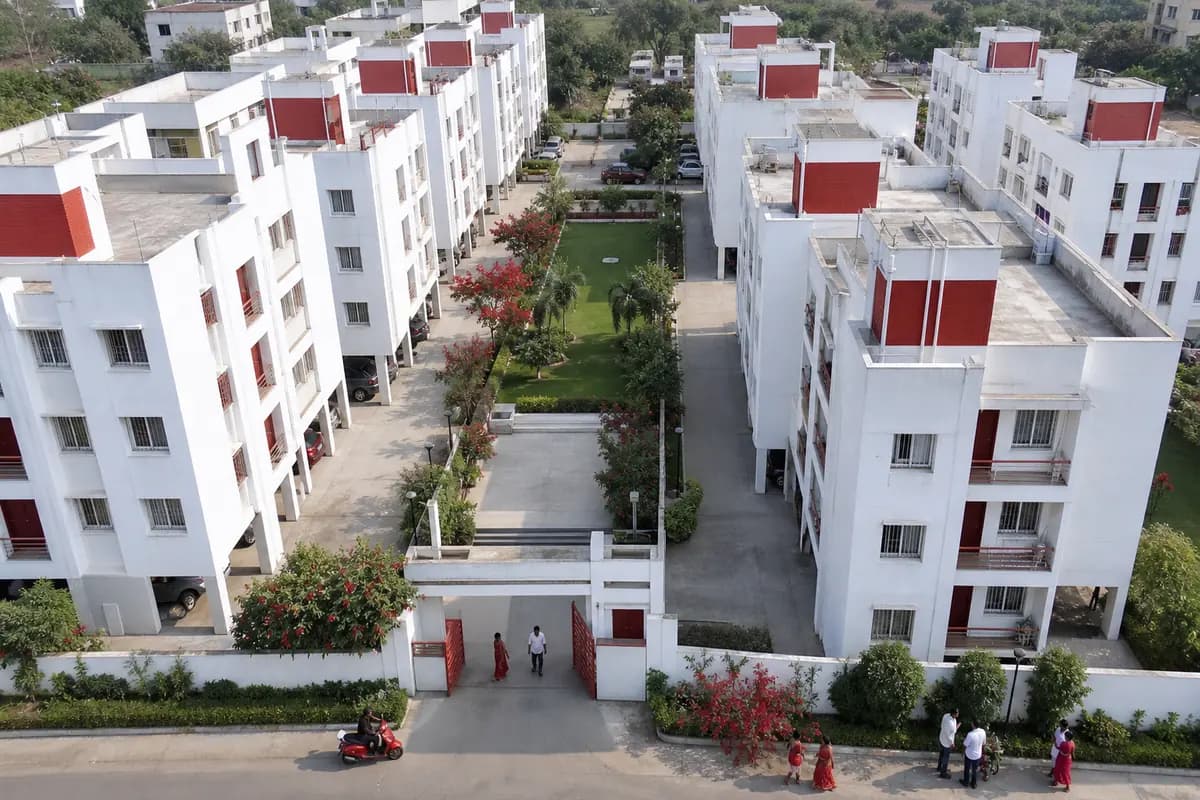
An aerial view of white residential towers around a central garden
Illustration: the society register drawing tower B floor by floor, each flat coloured by occupancy.
  • Owner lives here
  • Tenanted
  • Vacant
  • Other

Society register & map pin Live

Every tower, floor and flat at a glance — pinned on the map.

  • Generate flats floor by floor: 14 floors × 4 gives 101–1404
  • CSV import with owners’ names and phone numbers
  • Register coloured by occupancy
  • The gate pinned on the map; residents check it before joining
Two committee members reviewing printed maintenance invoices beside a laptop
Illustration: a maintenance tax invoice with CGST and SGST lines.

Tax invoice

INV/2026-27/000412

A-1204 · Oct 2026

GST applies

Maintenance (2,050 sq ft × ₹4)₹8,200.00

CGST 9%₹738.00

SGST 9%₹738.00

Total₹9,676.00

Invoice PDF · numbered, in series

Billing & GST invoices Live

Bills follow your society’s rules, every month.

  • Maintenance by sq ft, flat rate, BHK or tower
  • Sinking, repair and corpus funds and one-time charges
  • Late fee or interest after a grace period; early-payment discount
  • Numbered invoices with CGST + SGST when GST applies
A woman on a white sofa smiling as she pays a bill on her phone
Illustration: turning on UPI AutoPay for maintenance, and the notice sent before each debit.

UPI AutoPay

Maintenance for B-703, every month

Limit₹6,000 / month

StatusOff

Two-tap payments, AutoPay & receipts Live

Residents pay in two taps, straight into the society’s bank account.

  • UPI, cards and net banking through Razorpay or Cashfree, with a backup gateway
  • UPI AutoPay and e-mandates, with a notice before every debit
  • A numbered PDF receipt for every payment
  • Cash, cheque, NEFT and UPI paid at the office recorded too
A treasurer smiling at a laptop in the society office
Illustration of the committee dashboard: collections this month and a six-month collections chart. Sample data.

Collections this month

Overdue ₹61,200

Collected 86%

Approvals 2

MayJunJulAugSepOct
Collected Billed Sample data

Collections, defaulters & reminders Live

Know who has paid and who hasn’t — and remind them automatically.

  • Collected vs billed for any period
  • Defaulter and ageing reports
  • Automatic reminders before and after the due date
  • Daily reconciliation with a mismatch report
An accountant working on the society books with a ledger and calculator
Illustration: the society trial balance and a Tally XML export.
Trial balanceDrCr
Maintenance income7,92,000
Bank6,48,300
Members’ receivable1,21,700
Housekeeping expense84,000
Sinking fund62,000
Totals 8,54,0008,54,000

Accounting, Tally export & AGM summary Live

Books that keep themselves, ready for your CA.

  • Double-entry journal, vendor bills and budgets
  • Trial balance, income & expenditure and balance sheet
  • Tally XML export
  • An AGM summary for the annual meeting
Two committee members approving a request together on a tablet
Illustration: a refund above the limit waits for a second approver before it is paid.

Refund · A-1204

₹12,000

Raised by the Accountant

Waiting
  1. Maker· Accountant
  2. Checker· Treasurer

Above the limit, one person can’t approve alone.

Approvals (maker-checker) Live

No single person moves big money alone.

  • Refunds and vendor payments above a limit need a second approver
  • A waiting count in the menu for people who can decide
  • Every decision written to the audit log
  • 2-step sign-in for every money role
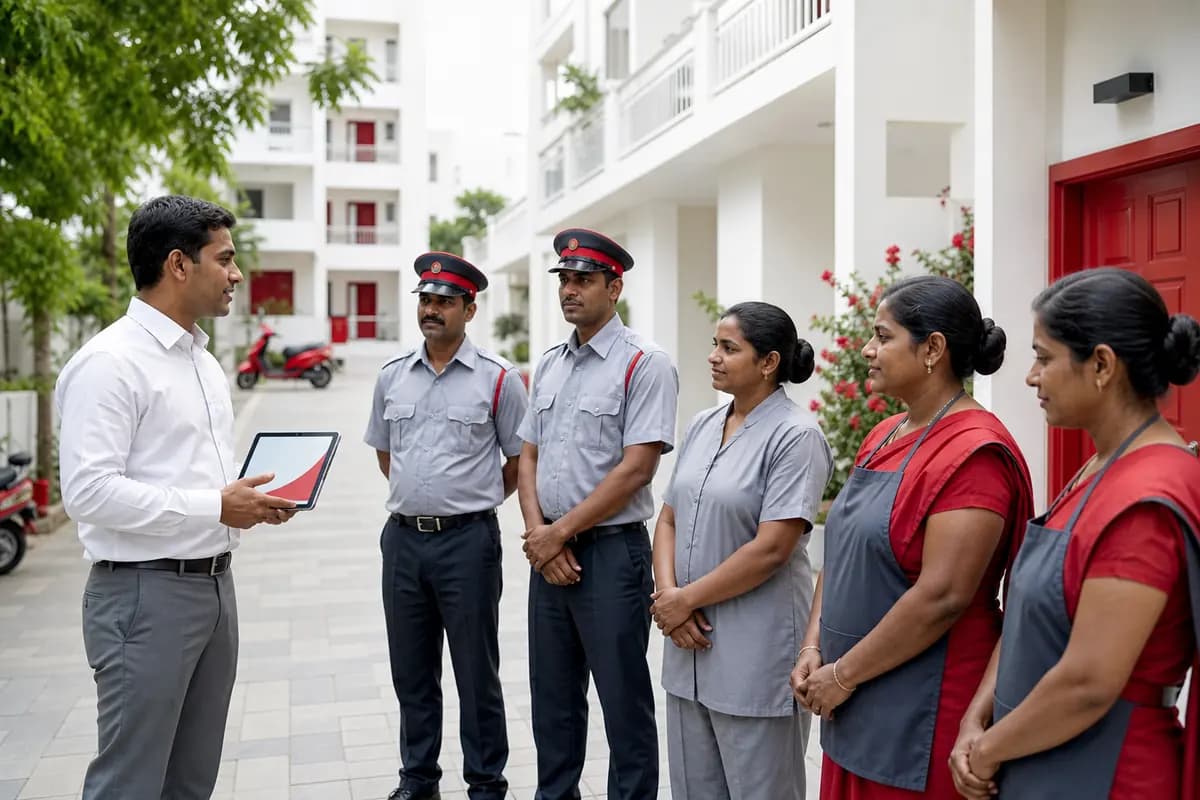
A supervisor with a tablet briefing guards and housekeeping staff
Illustration: two zones of towers and gates, each with a supervisor and their team.

Zone North

Towers A, B · Gate 1

Supervisor: Security Supervisor

Guard · DayGuard · NightGardener Add

Zone South

Towers C, D · Gate 2

Supervisor: Facility Manager

HousekeepingElectrician Add

Supervisor zones & guards Live

Split a large society into zones, each with its own team.

  • Zones of towers and gates
  • A Security Supervisor or Facility Manager per zone
  • Supervisors add guards and workers and set their shifts
  • Guards sign in with their own role (guard app coming soon)
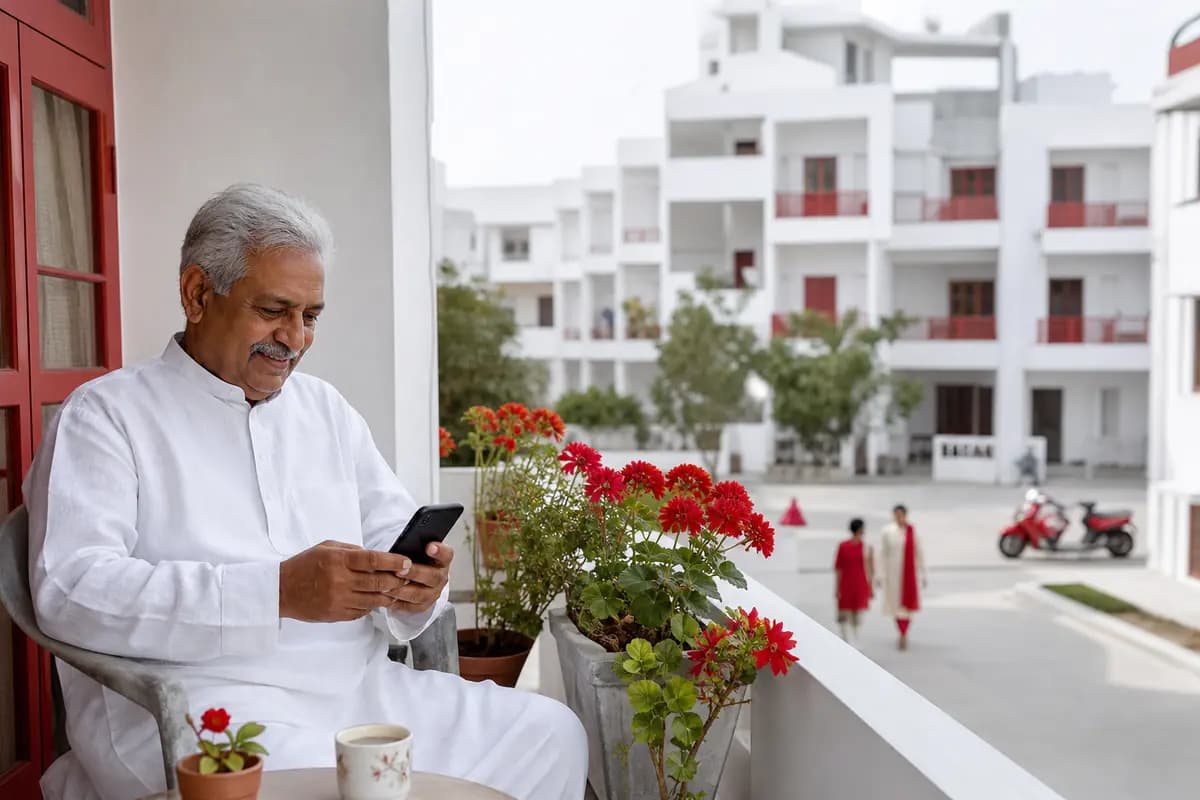
An older man on his balcony looking at his phone with a reassured smile
Illustration: consent choices recorded per purpose, and a masked phone number.

Your data, your choices

Phone shown as 98•••••210

  • Privacy notice

    Accepted · v2026-10-24

  • Listed in the resident directory

    Off — you choose

  • WhatsApp messages

    Consent recorded · for when messages launch

Each change is added to an append-only consent record.

Privacy (DPDP) & audit trail Live

Privacy by default, and a record nobody can quietly edit.

  • Consent recorded per purpose, append-only
  • Phone numbers masked, even for the committee
  • Hash-chained audit log with a one-click integrity check
  • Phone OTP sign-in and a list of your signed-in devices

Live now

The details

Everything in this part of the page works today.

Live

Households & onboarding

Towers, flats and every household — owners, tenants, family, vehicles and pets — in one place, kept up to date by residents themselves.

  • Register your society in a minute and get a society code (VS-xxxxxx) to share
  • Add towers and generate flats floor by floor, or import a CSV with owners
  • Residents ask to join their flat; the committee approves owners and tenants, households approve their own family

  • Owner share %, tenants, family members (children without accounts), vehicles and pets per flat
  • Opt-in resident directory — phone numbers are never shown
Live

Committee roles & audit trail

Chairman, Secretary, Treasurer, Facility Manager, Accountant and more — each sees only what their role needs, with 2-step sign-in for money roles.

  • Role-based access for 11 roles, from Chairman to Guard to Resident; one person can switch between committee and resident
  • Authenticator-app 2-step sign-in for Admin, Chairman, Secretary, Treasurer and Accountant
  • Hash-chained audit log with a one-click integrity check
  • Phone + OTP sign-in, signed-in device list and sign-out from other devices
  • Consent records for the privacy notice, directory listing and WhatsApp (DPDP Act 2023)
Live

Payments & billing

Maintenance bills by sq ft, flat rate, BHK or tower, paid in two taps — and books that keep themselves, ready for your CA.

  • My dues for every resident: total, overdue, due-date countdown, early-payment discount and advance credit
  • Two-tap pay with UPI, cards and net banking through Razorpay or Cashfree, straight into the society’s bank account
  • UPI AutoPay and bank e-mandates, with a notice before every debit
  • Numbered receipts and invoices as PDFs, with the GST breakup (CGST + SGST) when GST applies
  • Late fees or interest after a grace period, sinking / repair / corpus funds, one-time charges
  • Office payments by cash, cheque, NEFT or UPI; refunds and vendor payments above a limit need a second approver
  • Double-entry accounting: journal, vendor bills, budgets, trial balance, income & expenditure, balance sheet
  • Defaulter and ageing reports, bank reconciliation, Tally XML export and an AGM summary
Live

Supervisor zones

Split the society into zones of towers and gates, name a supervisor for each, and let them run their own team.

  • Zones with their towers and gates
  • A Security Supervisor or Facility Manager per zone
  • Supervisors add guards and workers (housekeeping, gardeners, electricians …) and set shifts

Roadmap

Coming soon

These are planned and being built in phases. They are not available yet; we will mark each one live when it ships.

  • Coming soon

    Gate & visitor security

    Real-time visitor approval, pre-approved passes, parcels left at the gate, and an offline-first guard app for the gate tablet.

  • A society clubhouse and pool in daylight
    Coming soon

    Amenities & bookings

    Clubhouse, courts and pool slots with rules, deposits, waitlists and memberships.

  • Coming soon

    Utilities & meters

    Grid and DG meter readings, slab tariffs and prepaid wallets with low-balance alerts.

  • Coming soon

    Staff & domestic help (via Vyntez People)

    Society staff attendance and payroll through Vyntez People; one profile for domestic help across flats.

  • Coming soon

    Parking (via Vyntez Park)

    Slot allotments, visitor parking tied to gate passes, EV charging sessions and violations through Vyntez Park.

  • Coming soon

    Helpdesk, notices & polls

    Complaints with SLAs, notices, polls and AGM e-voting with one vote per flat.

  • Coming soon

    AI assistant

    Ask about dues, book amenities or raise a complaint in plain language; monthly reports for the committee.

Get your society on Vyntez

Start free for 30 days, no card needed. The resident web app works on any phone today and installs to the home screen; Android and iOS apps and a guard app for the gate tablet are coming soon.

Android — coming soon iOS — coming soon